Smart Group
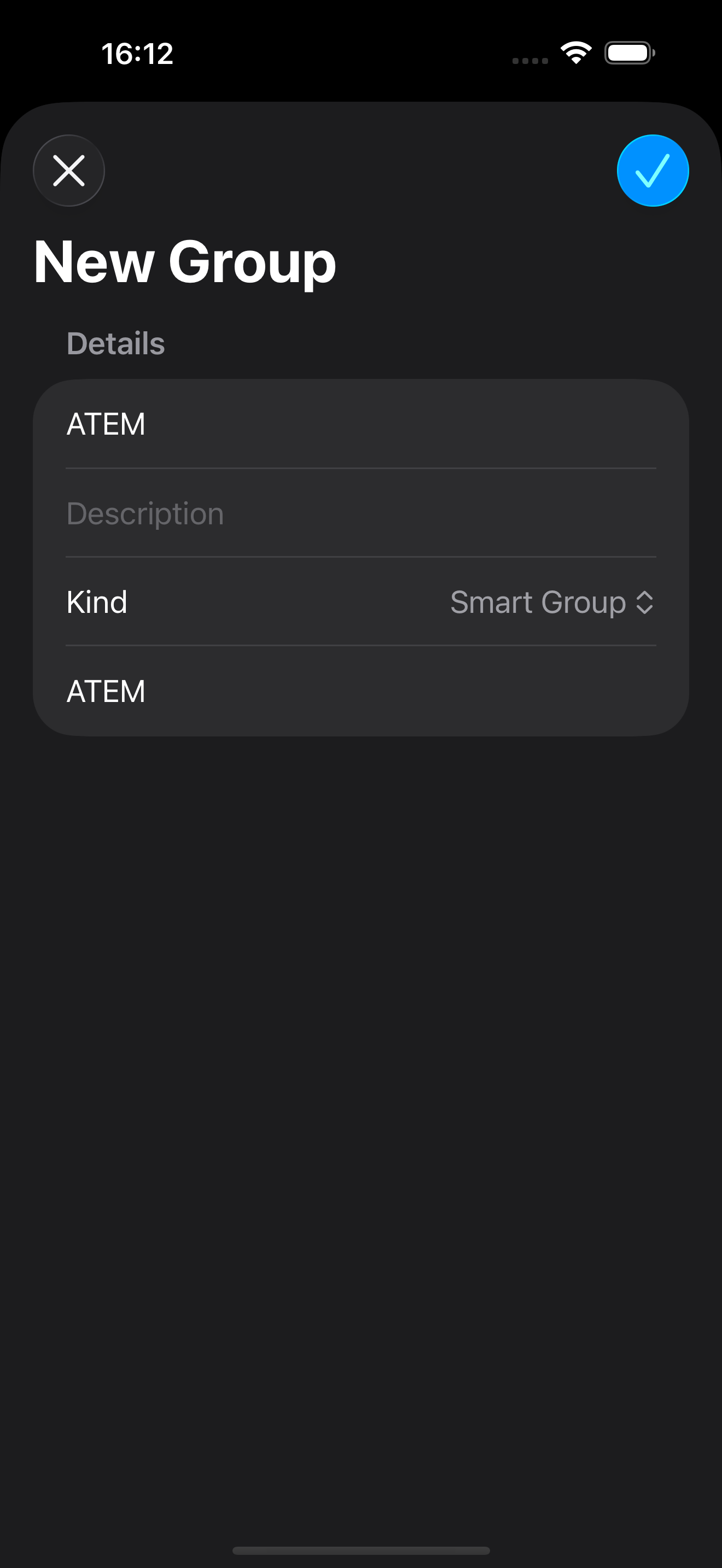
To create a new smart group in Action Phrase, perform the following:
- Go to the Groups section
- Tap +
- Enter the name of the group
- Optionally enter a description for the group
- Select Smart Group from the Kind menu
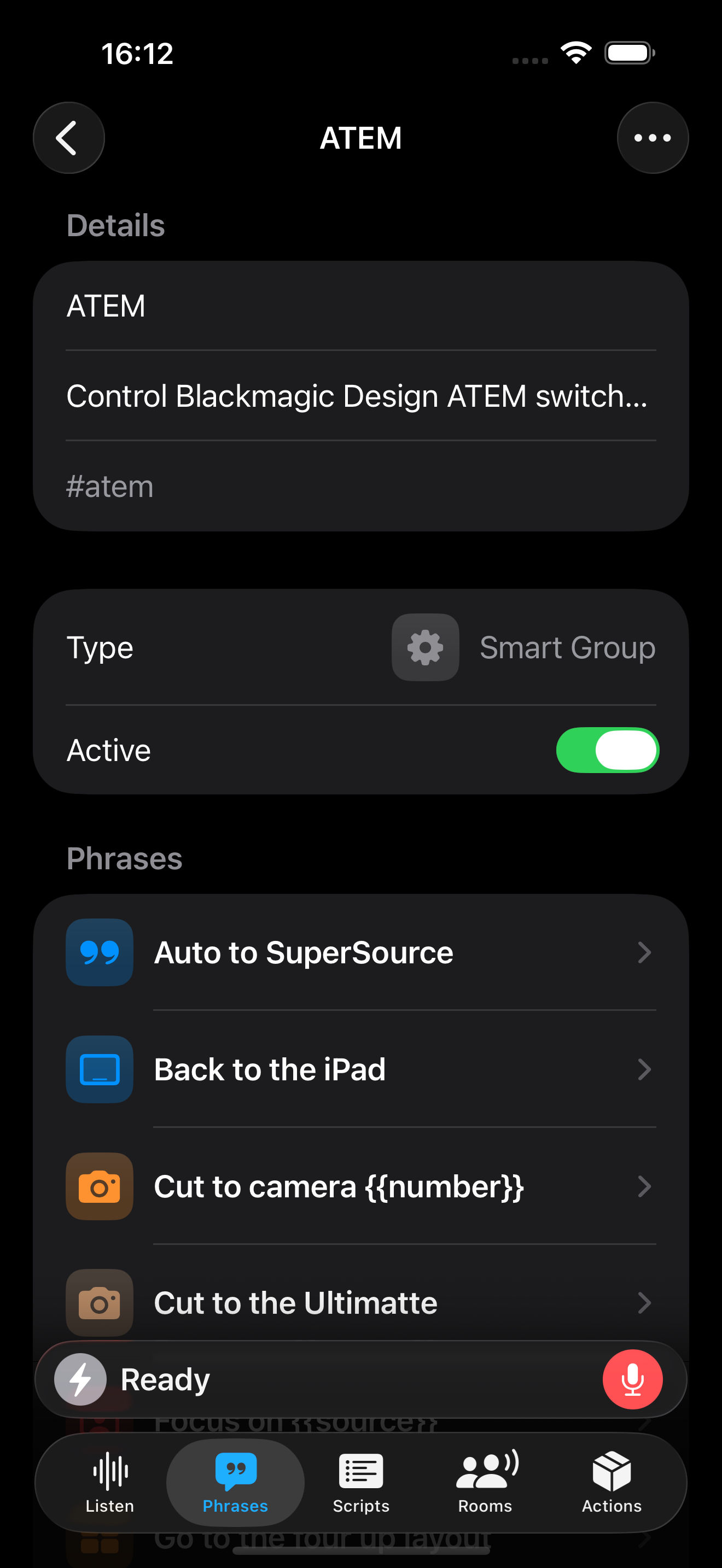
- Enter the tags for the Smart Group, with each tag separated by a space or comma.
Any phrase that contains these tags will be added to the Smart Group and will be available for recognition when the group is enabled.