New Speaker
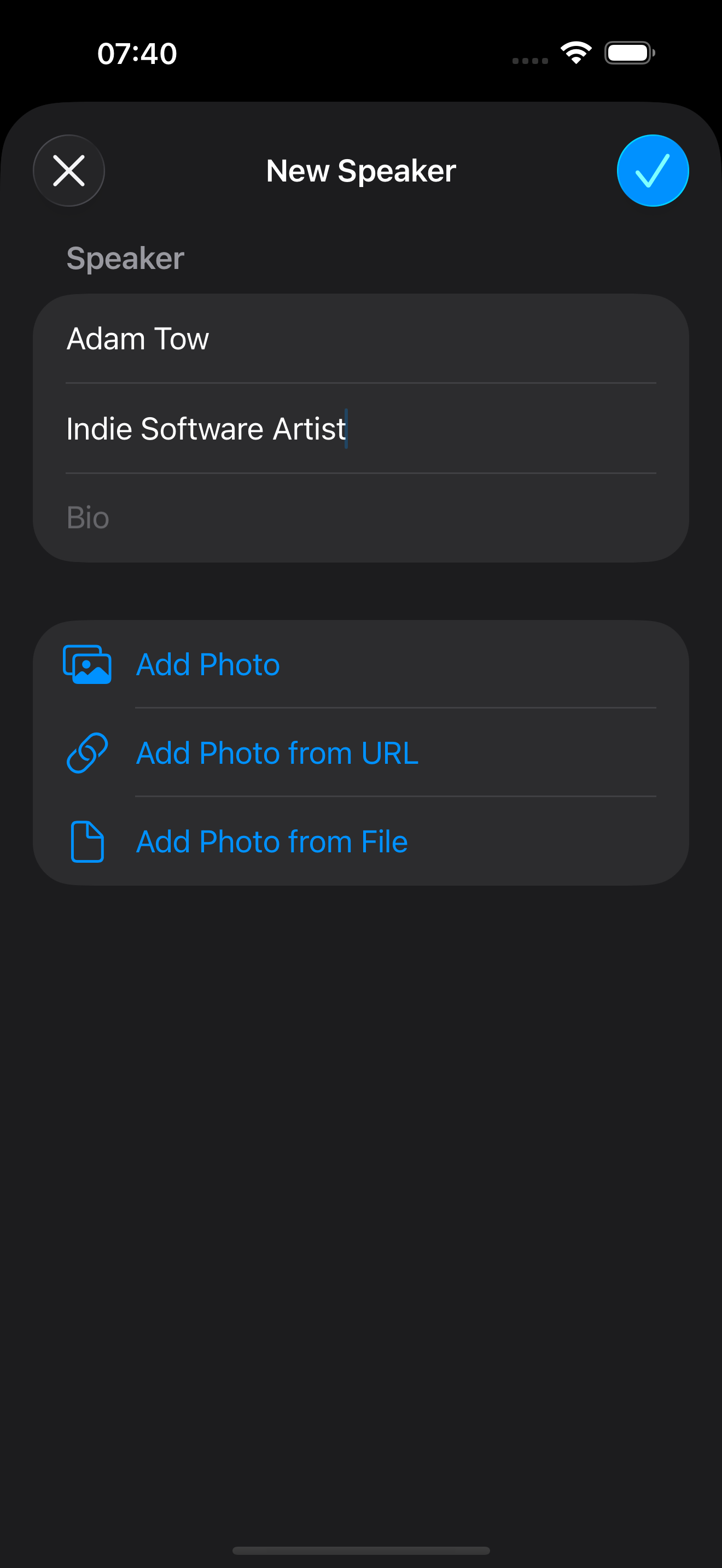
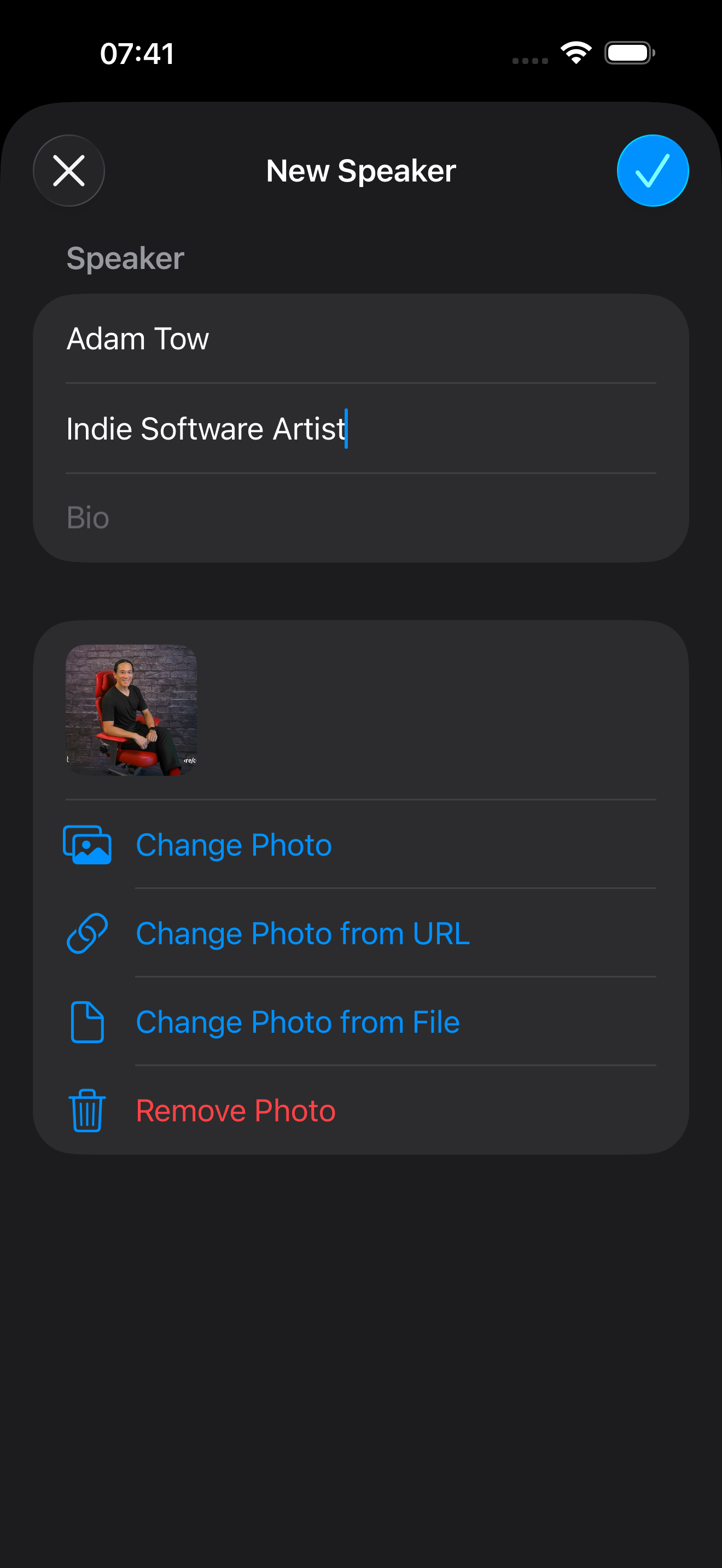
To create a new speaker, follow these steps:
- Go to the Speakers section
- Tap +
- Enter the name for the speaker
- Optionally enter the title and bio
- Add a photo for a speaker using an image from your Photo Library, a URL, or a file on your device
- Tap Done to save the speaker
.png)