Downloading Models
FluidAudio uses several on-device models to run speech recognition and speaker handling:
- Speech recognition model (
Speech EngineASR model version) - Diarization model for speaker behavior (
SpeakerManager,Sortformer, orLS-EEND, depending on your selected mode) - Related supporting model files needed by the selected flow
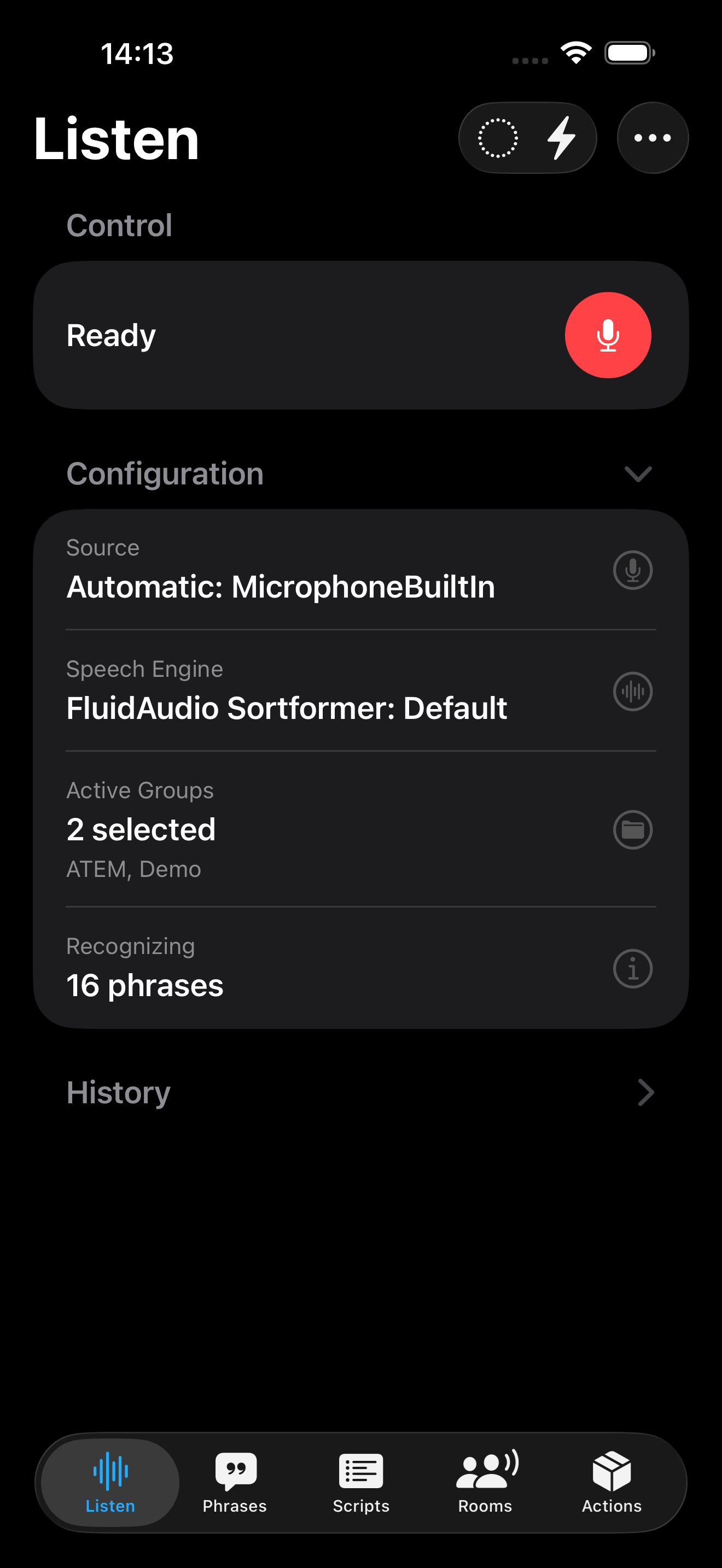
First-Time Model Download
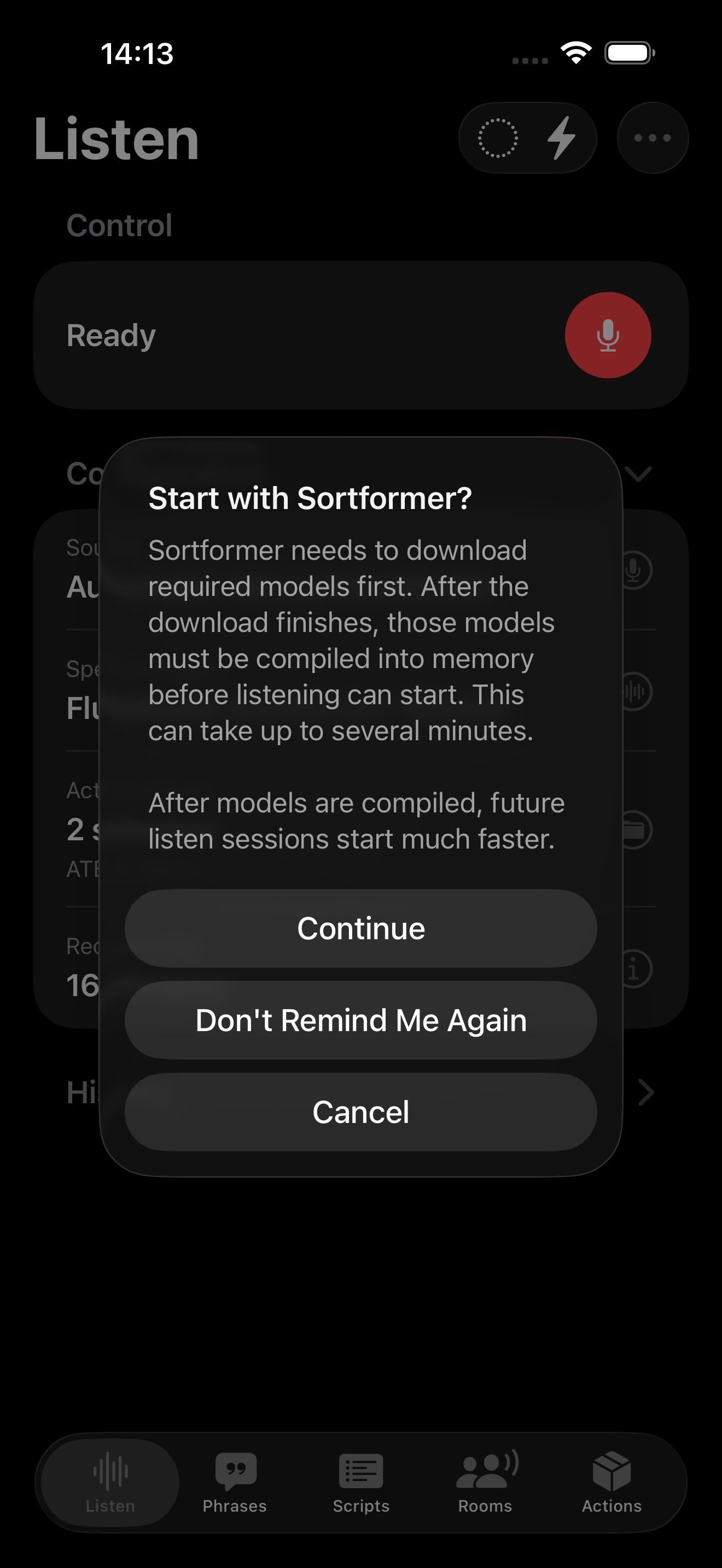
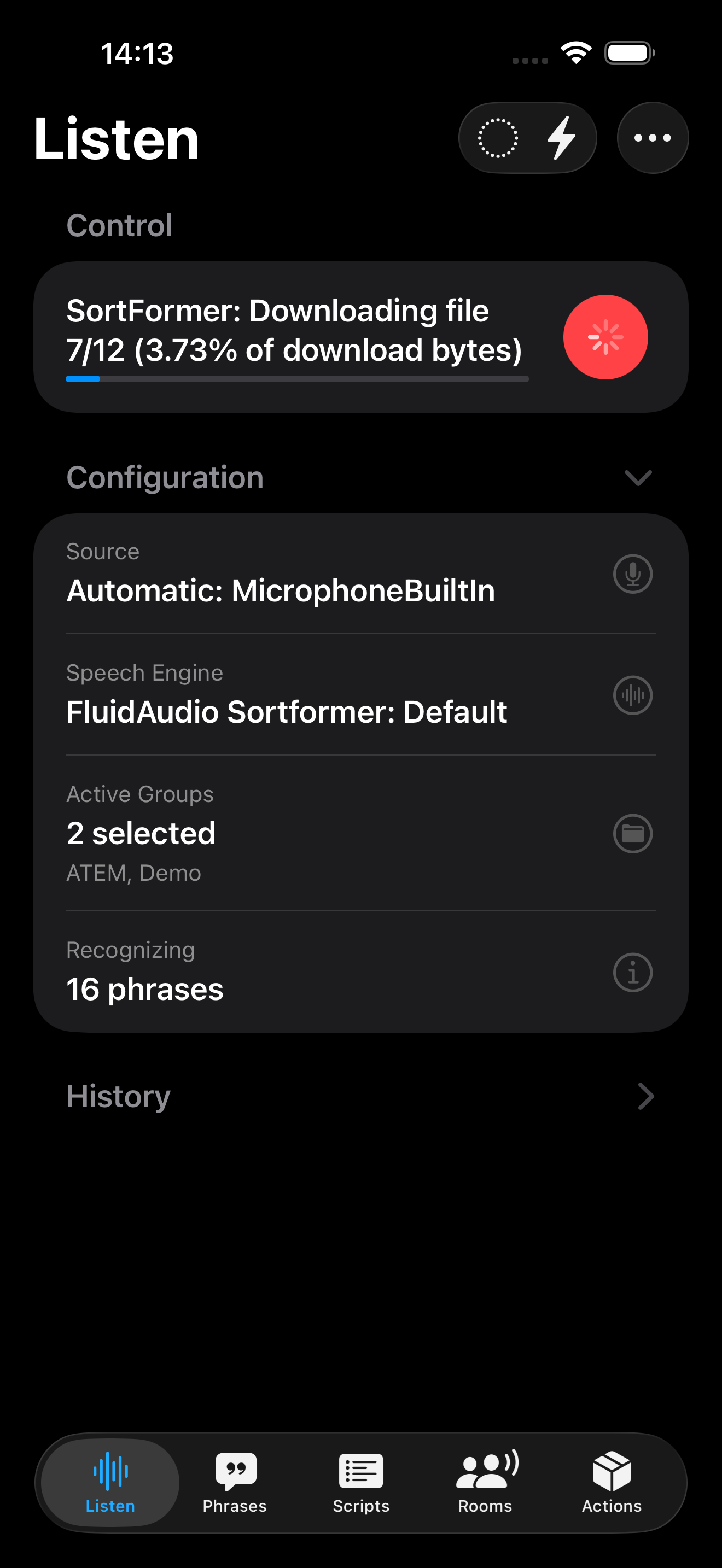
When you use a model type for the first time, FluidAudio must download its files before it can run.
- Model downloads are one-time per app/device for that version and configuration.
- Files can be sizable, so the first download may take noticeable time.
- Download time depends heavily on your current network and Wi‑Fi quality.
Model Loading and Compilation
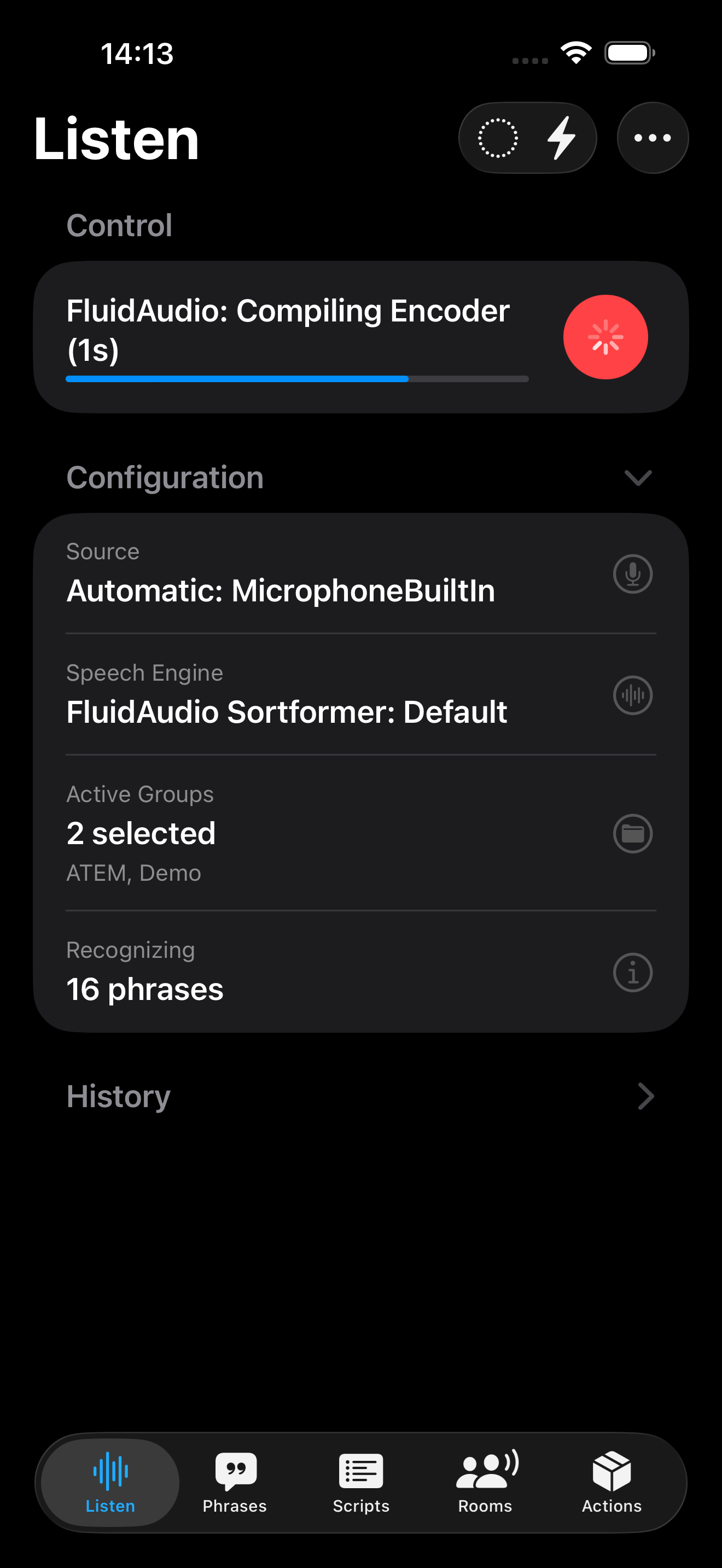
After download, FluidAudio still has one more startup step before speech recognition resumes:
- The model must be compiled/initialized for local execution.
- This compilation/load step is usually shorter than downloading but still takes time.
- During this period, recognition may pause or restart only after initialization completes.
Why You See a Delay
- Initial delay = download phase + initial load/compile phase.
- Download is usually the longer part.
- Compilation/loading is shorter, but can still feel substantial if the device is under load.
Expected Behavior on First Use
- Select the FluidAudio mode/settings you want to use.
- Wait for required models to download (first-time only).
- The first recognition session then loads and compiles models before it can begin listening reliably.
- Subsequent sessions will typically be much faster.
What to Expect Afterwards
Once downloaded and initialized, model files are cached and reused.
If the model download cache is deleted from the Advanced FluidAudio settings section, you will have to re-download the models the next time you use Action Phrase with the selected FluidAudio model.