Main Interface
Action Phrase is organized into focused tabs and views that separate listening, configuration, and history.
- Listen: Start or stop listening, view the live transcript, see the latest matched phrase, manually run actions when required, and review recent match history.
- Phrases: Create and edit spoken templates, define placeholders, and assign actions.
- Groups: Organize your phrases into groups manually or via tags.
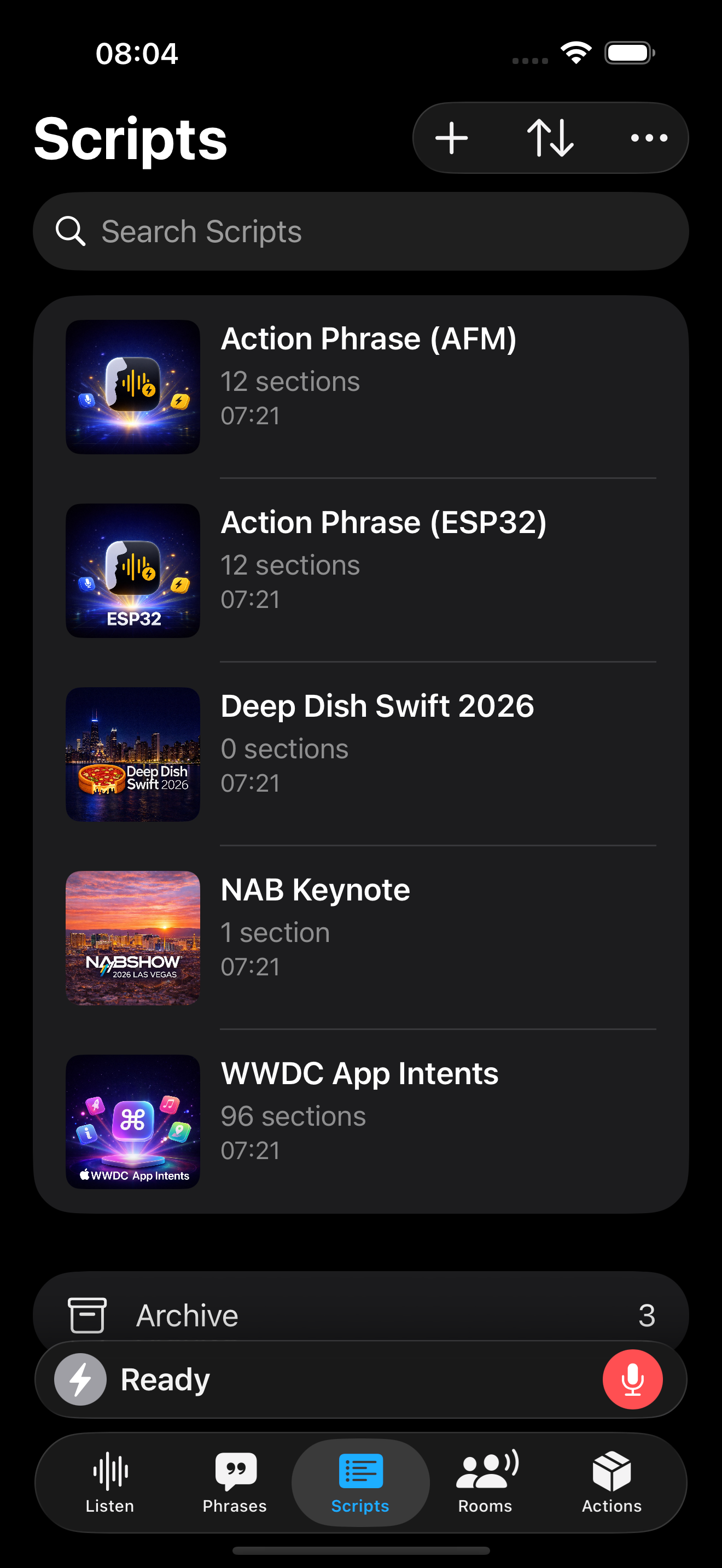
- Scripts: Run automation from a structured, spoken script.
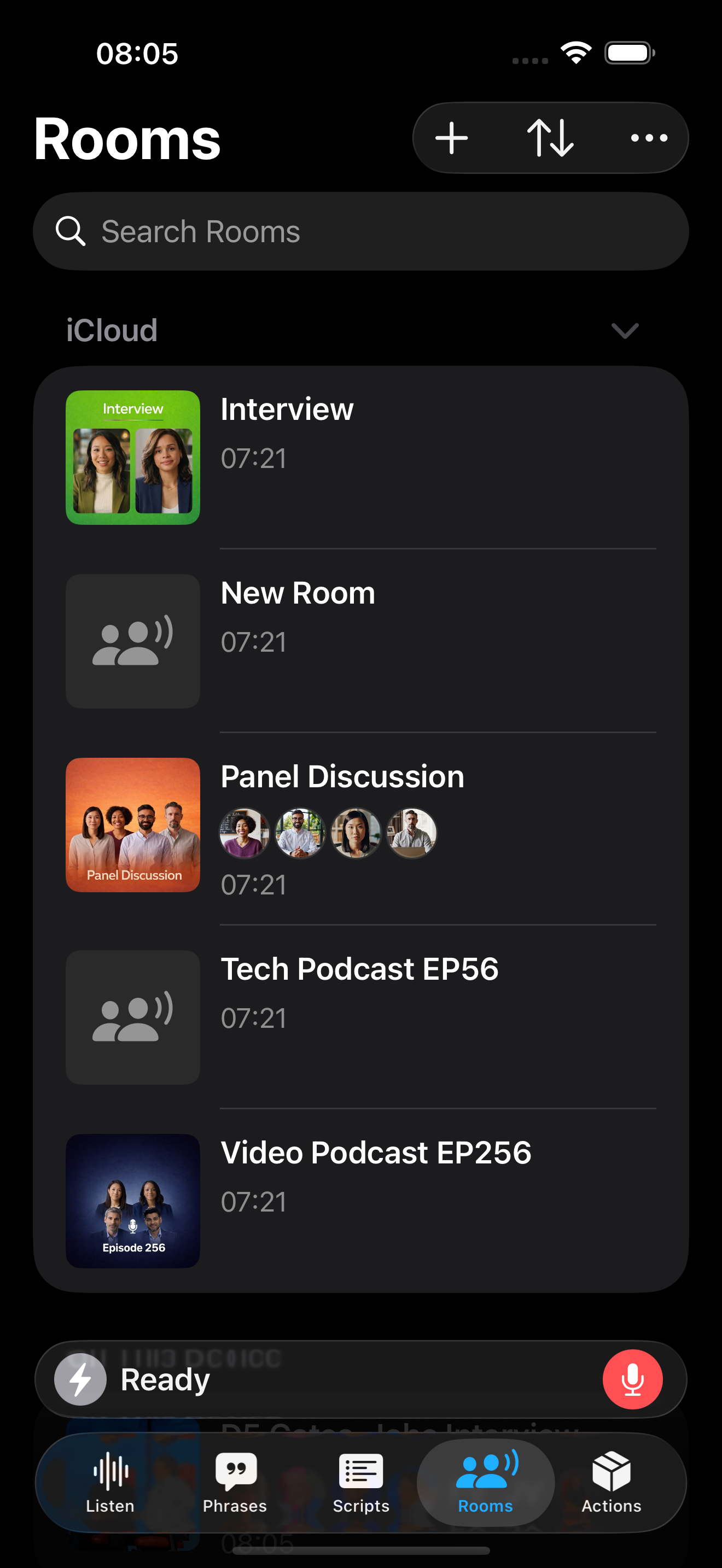
- Rooms: Rooms turn your automation into a live conversation-aware engine.
- Speakers: Organize speakers in your rooms.
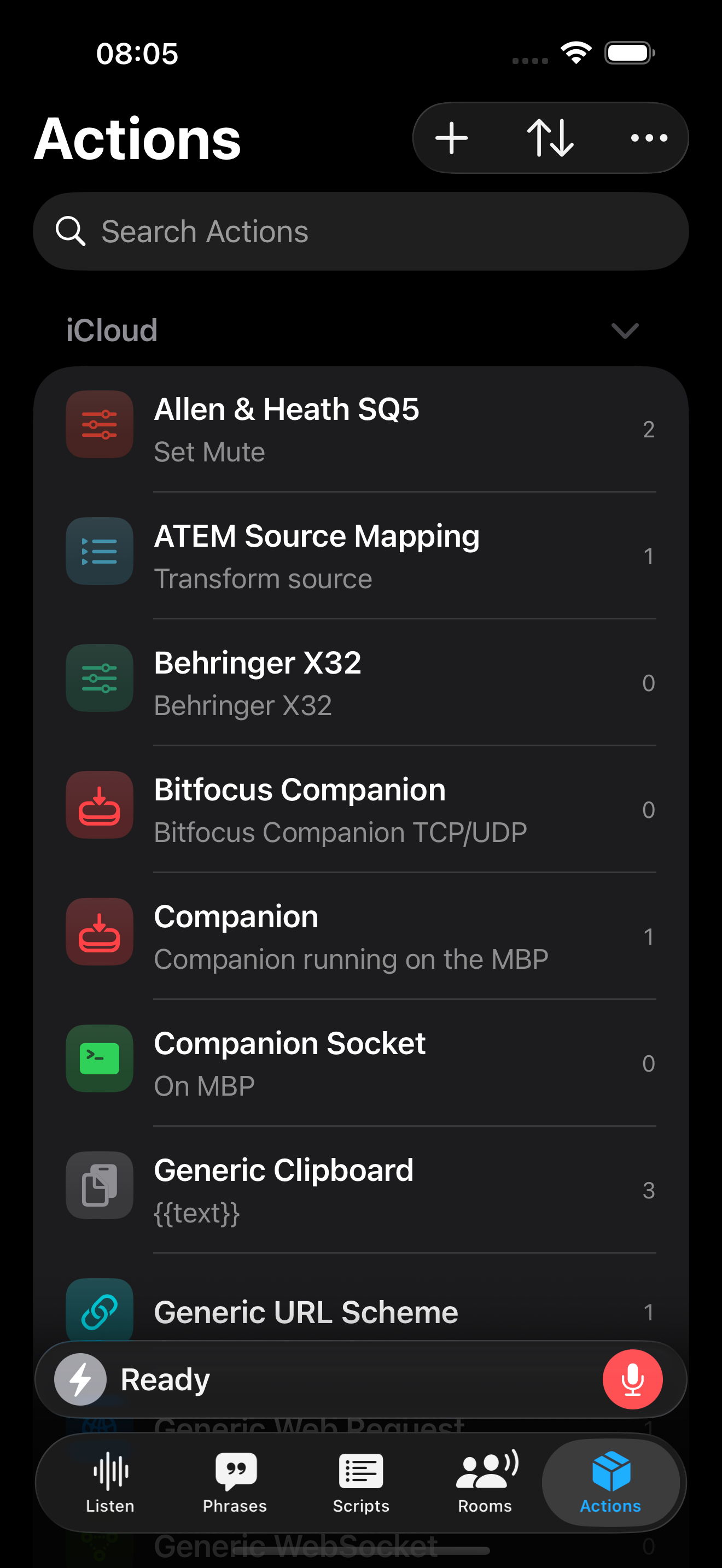
- Actions: Configure integrations such as OSC, MIDI, Shortcuts, Web Requests, and more.
Sidebar Layout
On macOS and iPadOS, the interface appears in a two to three column view
- Sidebar
- Content
- Detail
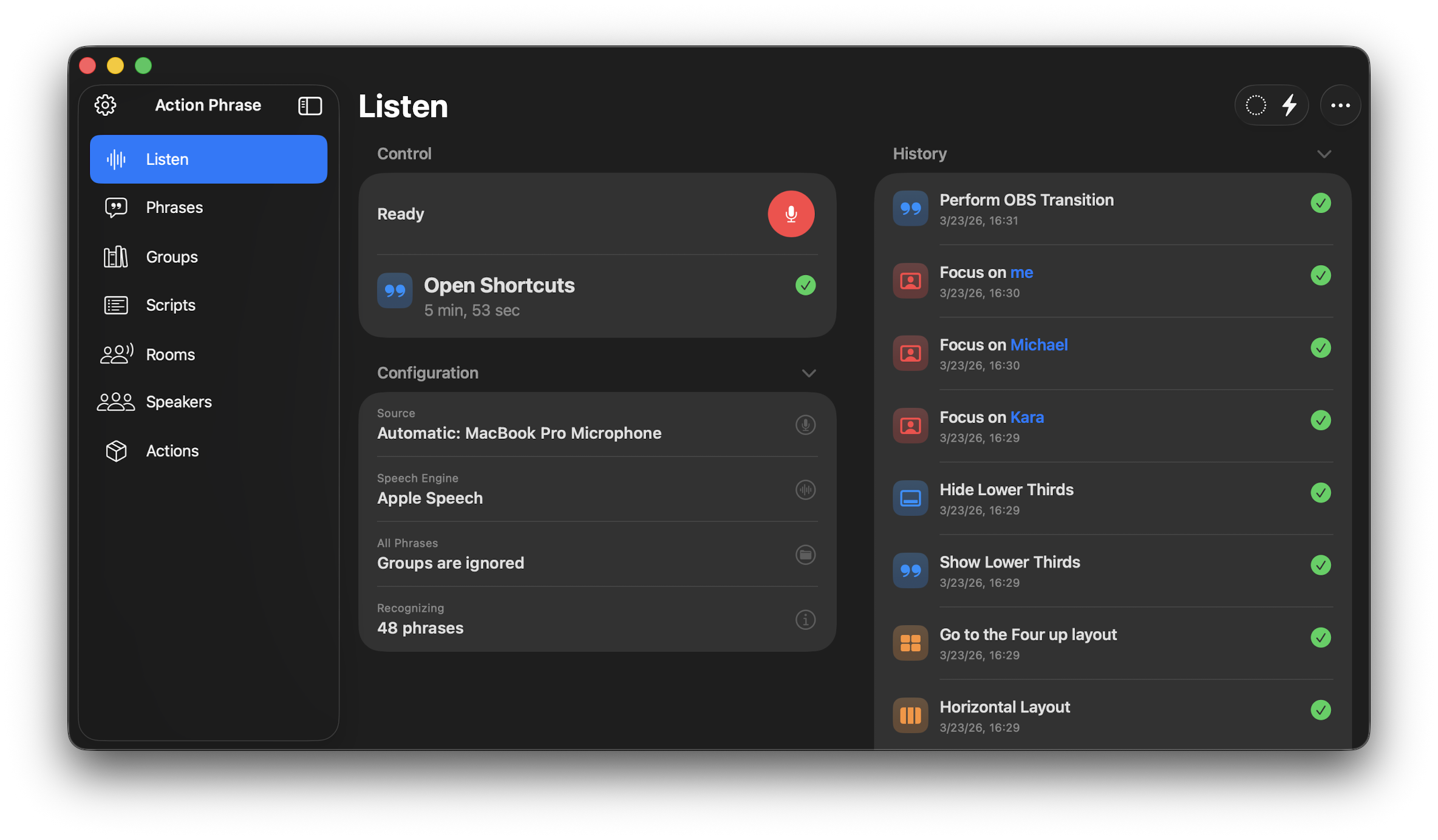
The Listen section for Action Phrase on macOS
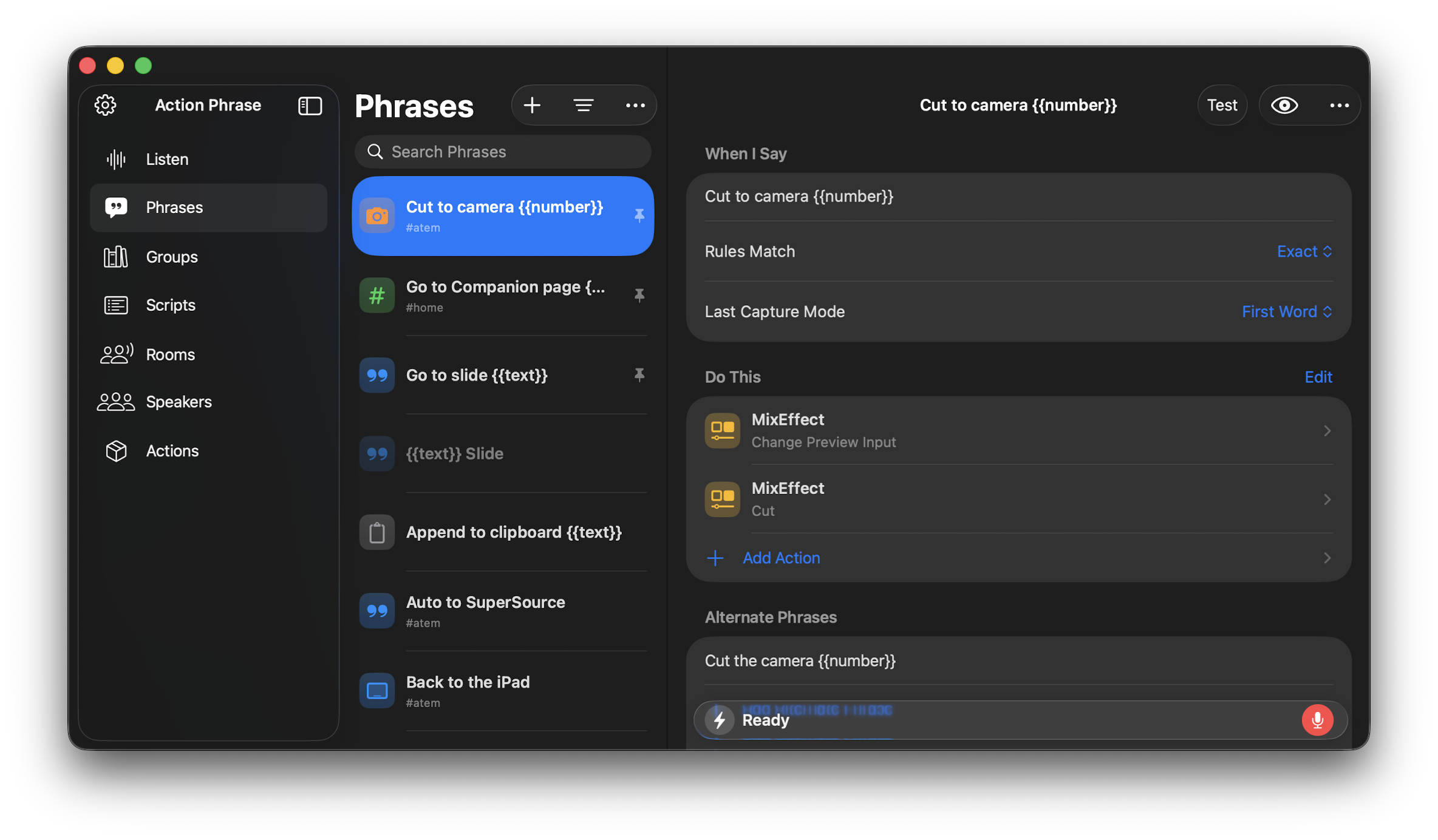
Phrases three-column view showing list of phrases and a selected phrase
Tab Layout
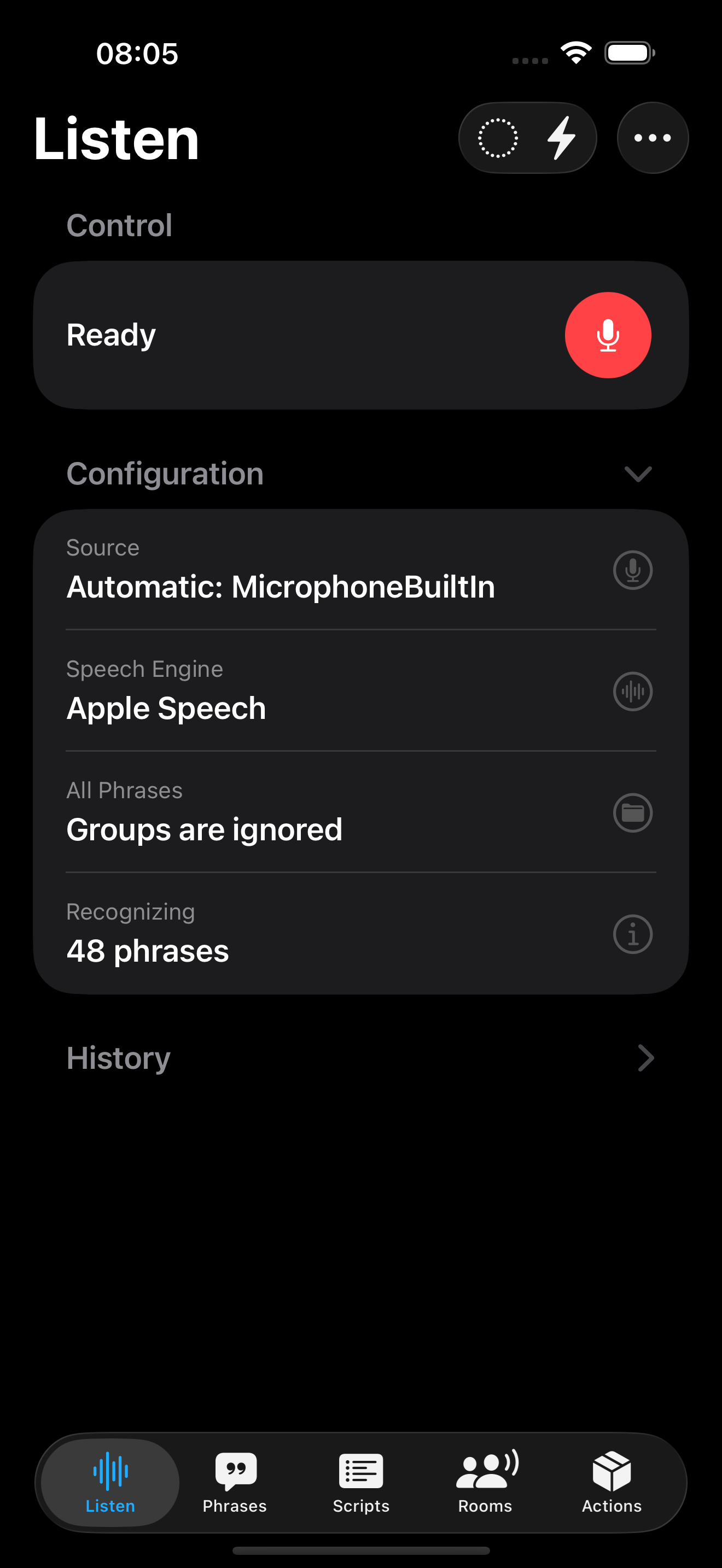
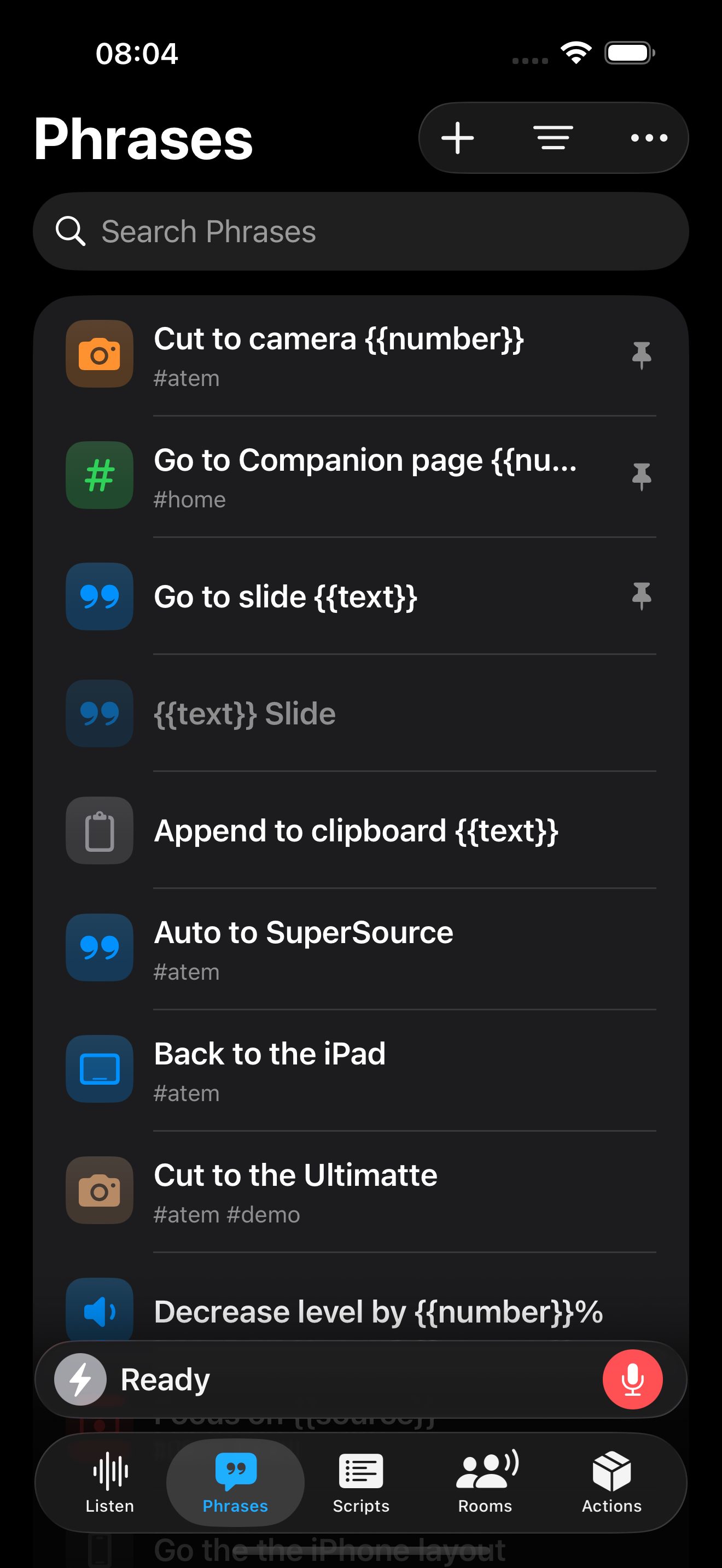
On iOS and iPadOS, the interface appears in a single column view with tabbed sections for Listen, Phrases, Scripts, Rooms, and Actions.
Settings
Settings contains various controls for configuring how Action Phrase looks and operates. In the Sidebar Layout, you can click or tap on the Settings gear icon in the upper-left of the sidebar. In the Tab Layout, you can tap the More menu (…) and choose Settings from the menu that appears.