Speakers
A speaker is a reusable profile that stores identity, appearance, and optional voice data so your Rooms workflow can distinguish one participant from another.
Speakers Section
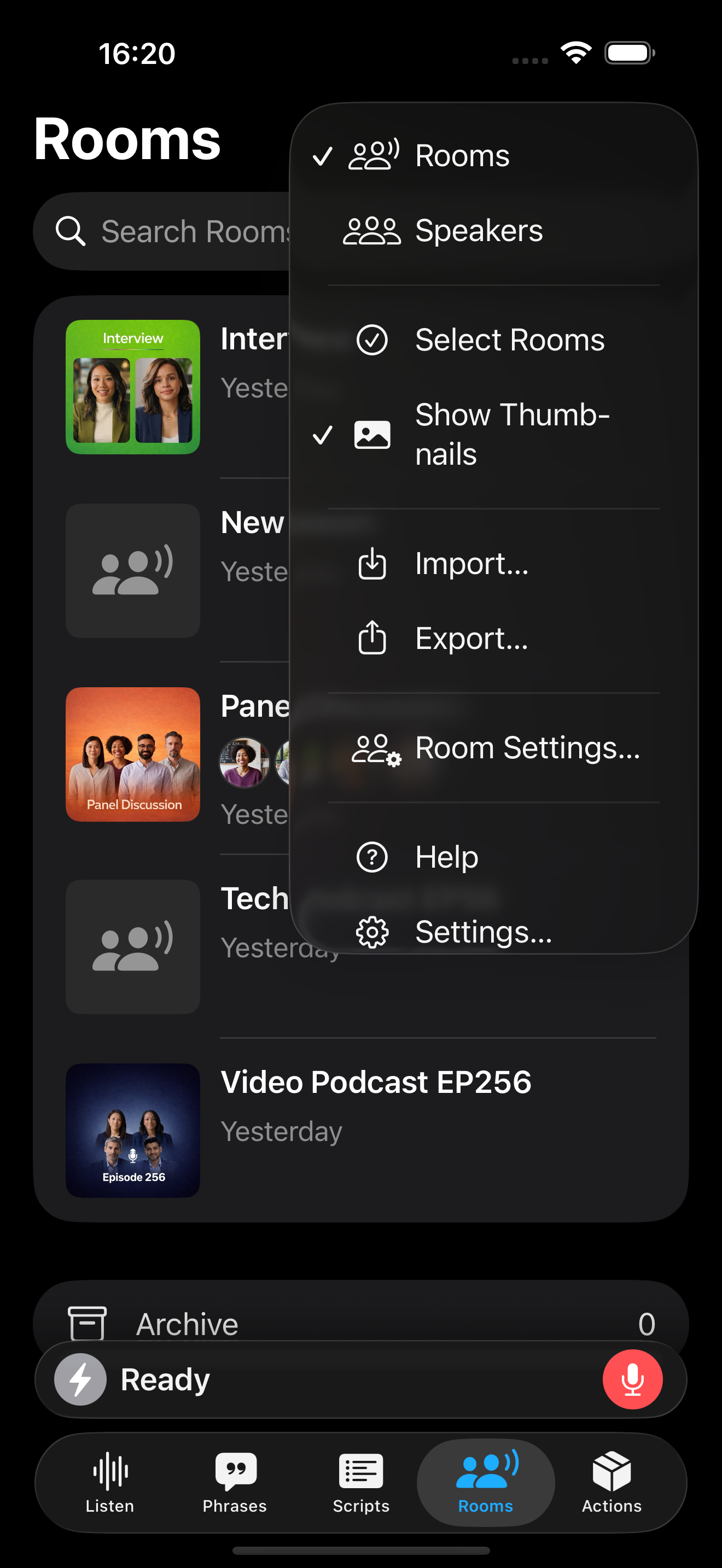
You access Speakers in one of two ways:
- Tab Layout: Speakers is located under the Rooms tab. Tap on the Rooms title or tap the More Menu and choose Speakers.
- Sidebar Layout: Tap on Speakers from the sidebar.
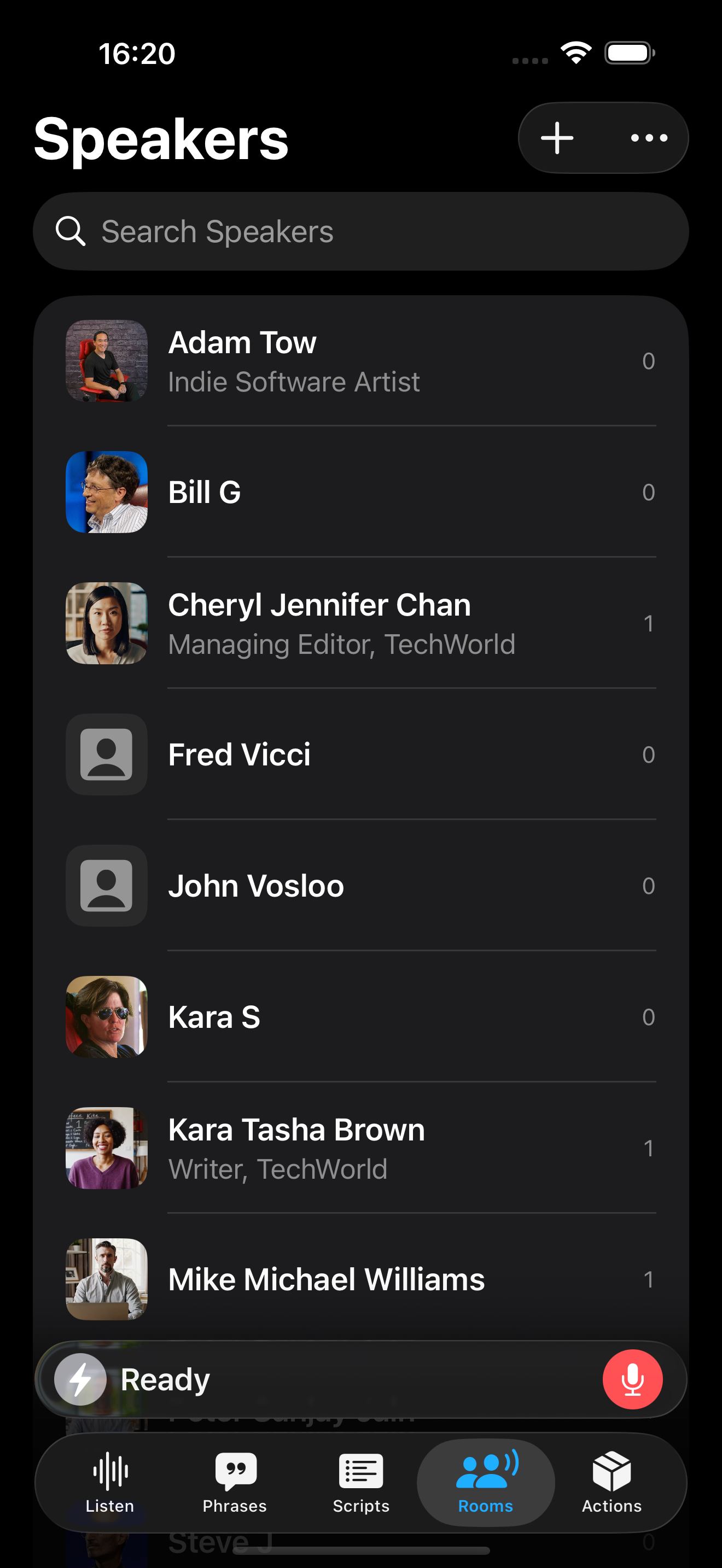
From the Speakers section, you can:
- Browse and search all speakers by name, title, or bio
- Add new speaker profiles
- Edit existing speaker details
Speaker profiles are designed to stay reusable and organized, so you can build one identity once and reuse it across your workflow.