Onboarding
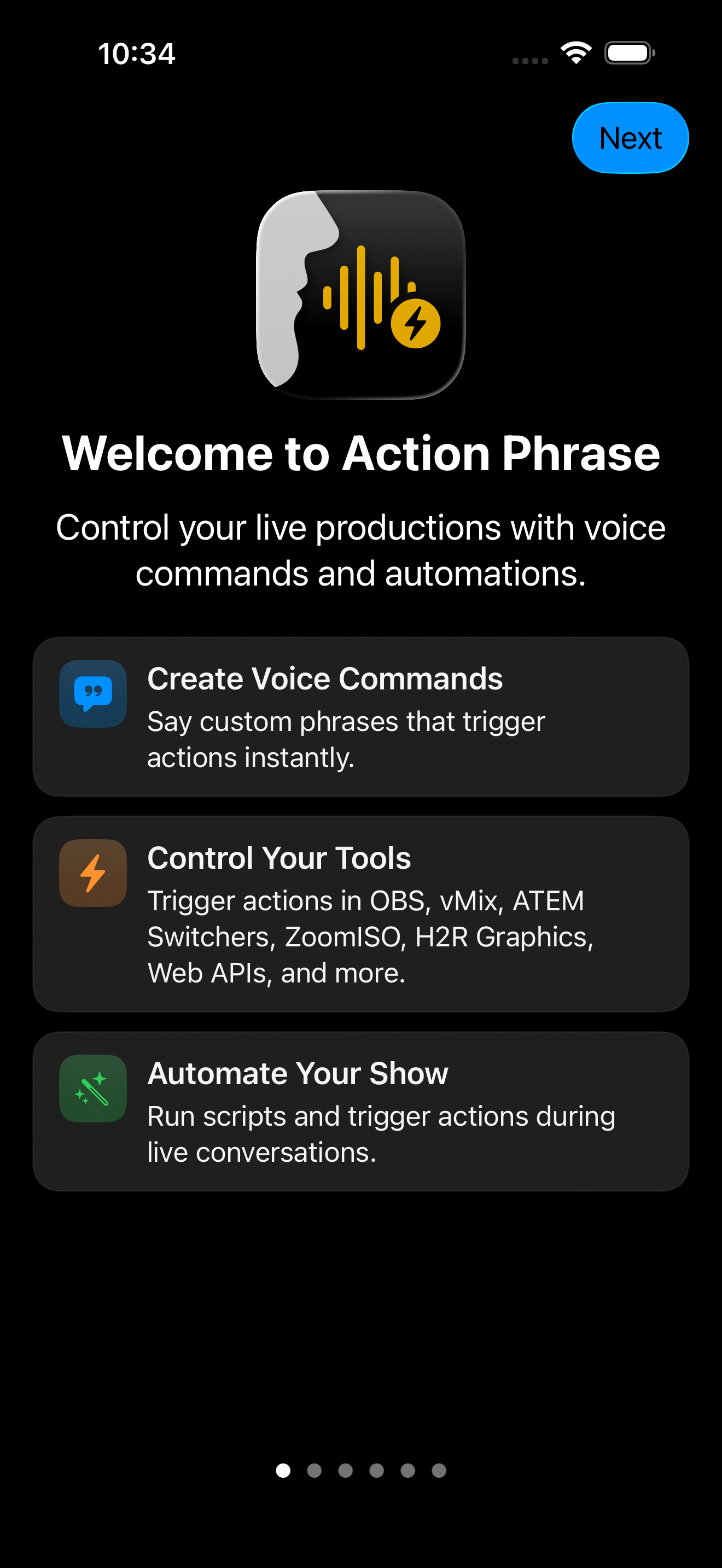
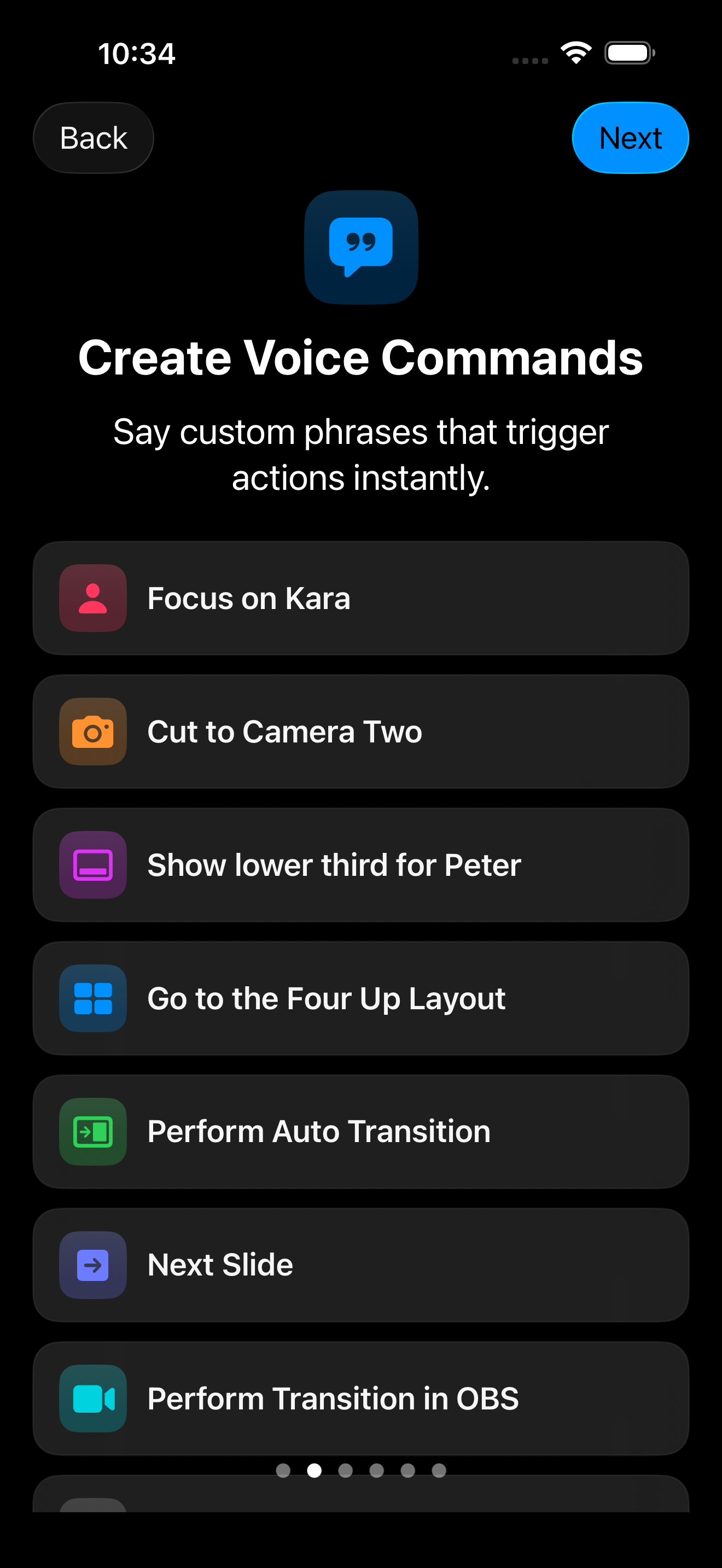
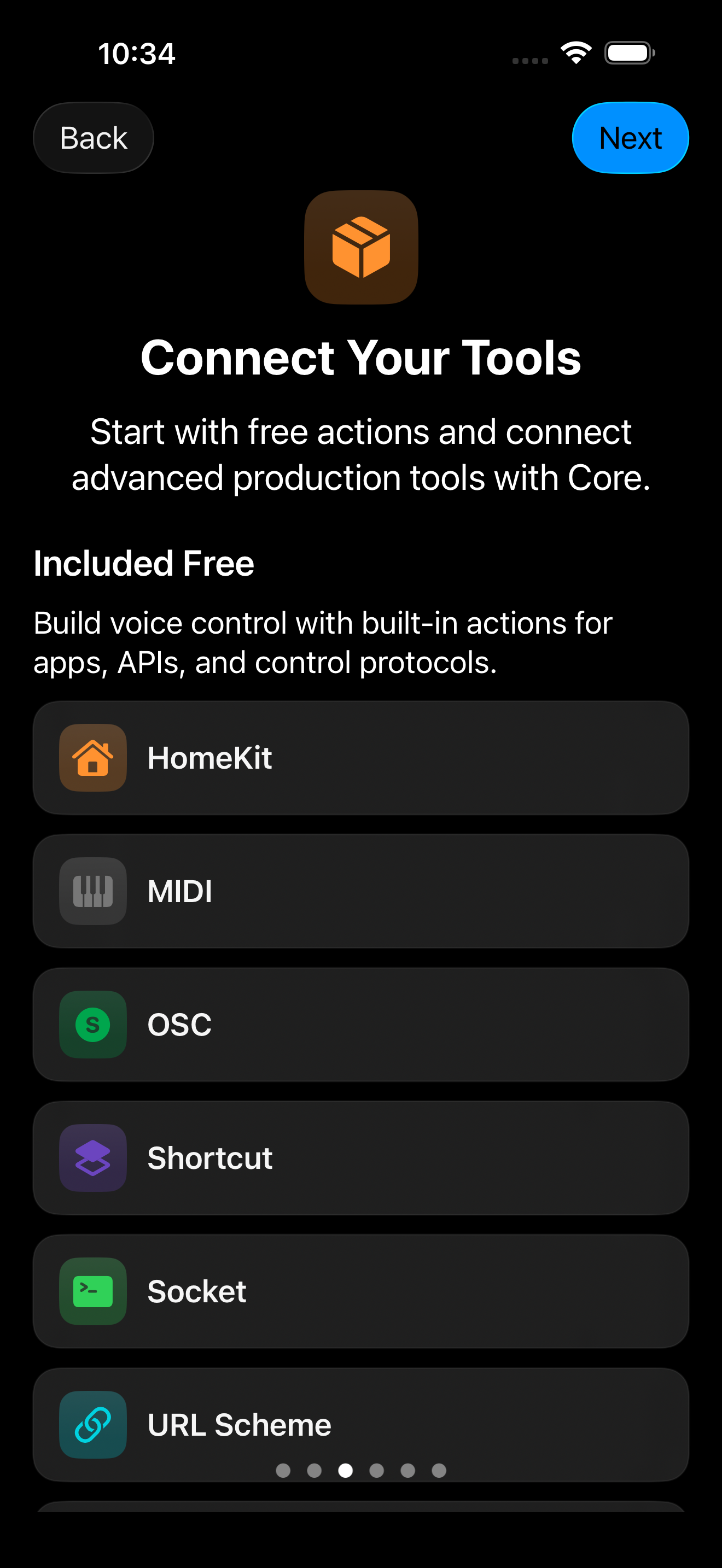
When you first install and open Action Phrase, you’ll go through the following onboarding screens:
- Welcome: Control your live productions with voice commands and automations.
- Create Voice Commands: Say custom phrases that trigger actions instantly.
- Connect Your Tools: Start with free actions and connect advanced production tools with Pro.
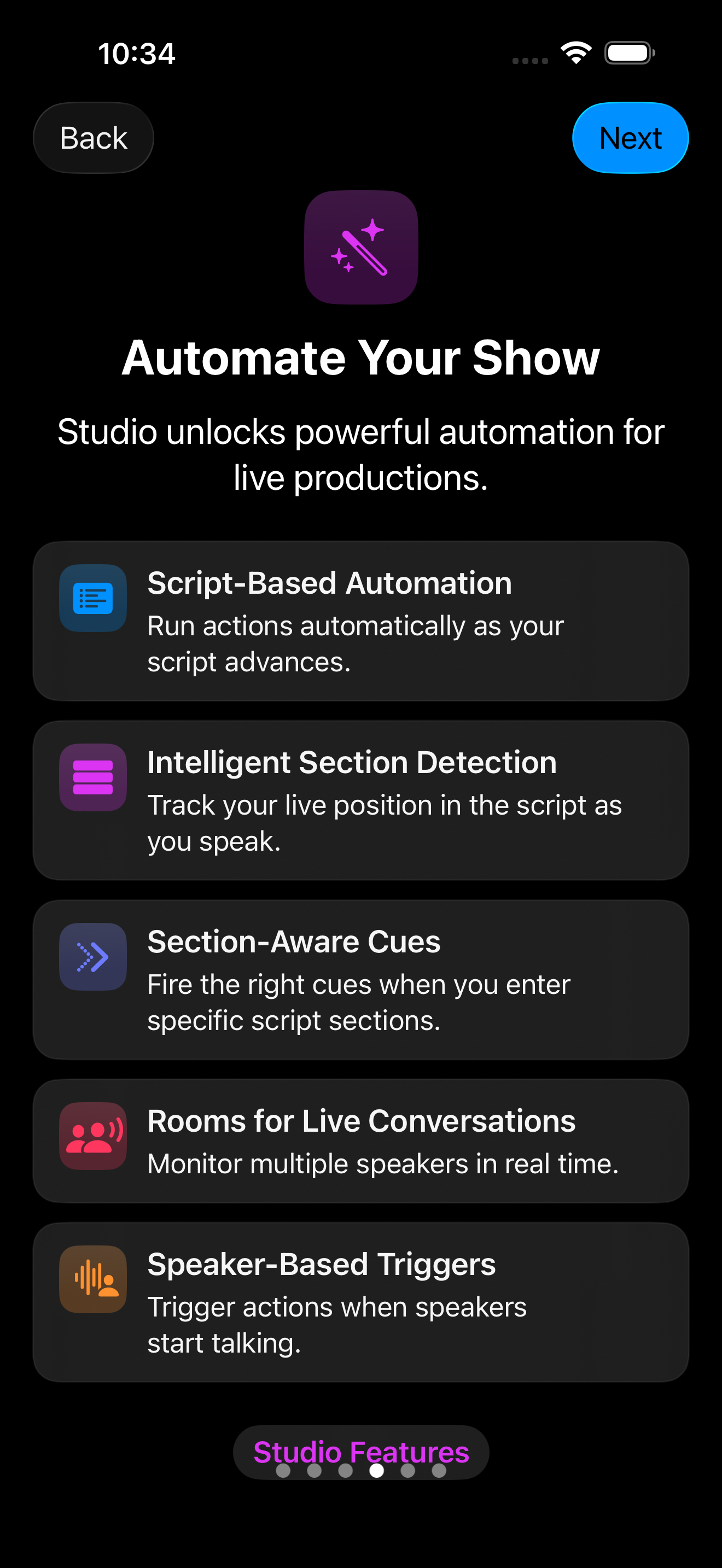
- Automate Your Show: Studio unlocks powerful automation for live productions.
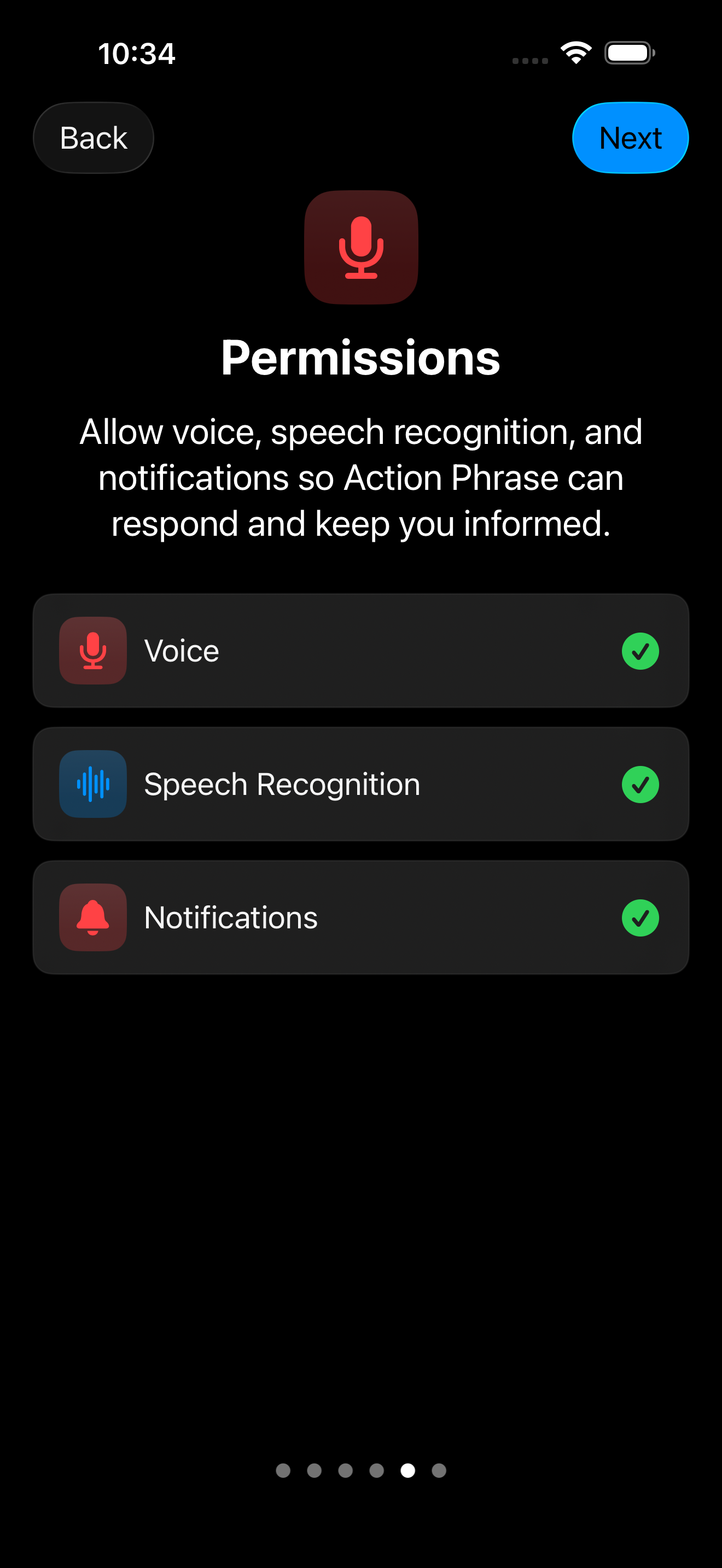
- Enable Permissions: Allow microphone and speech access. If you fail to provide Action Phrase the necessary permissions, you will have to enable them in Settings on your device.
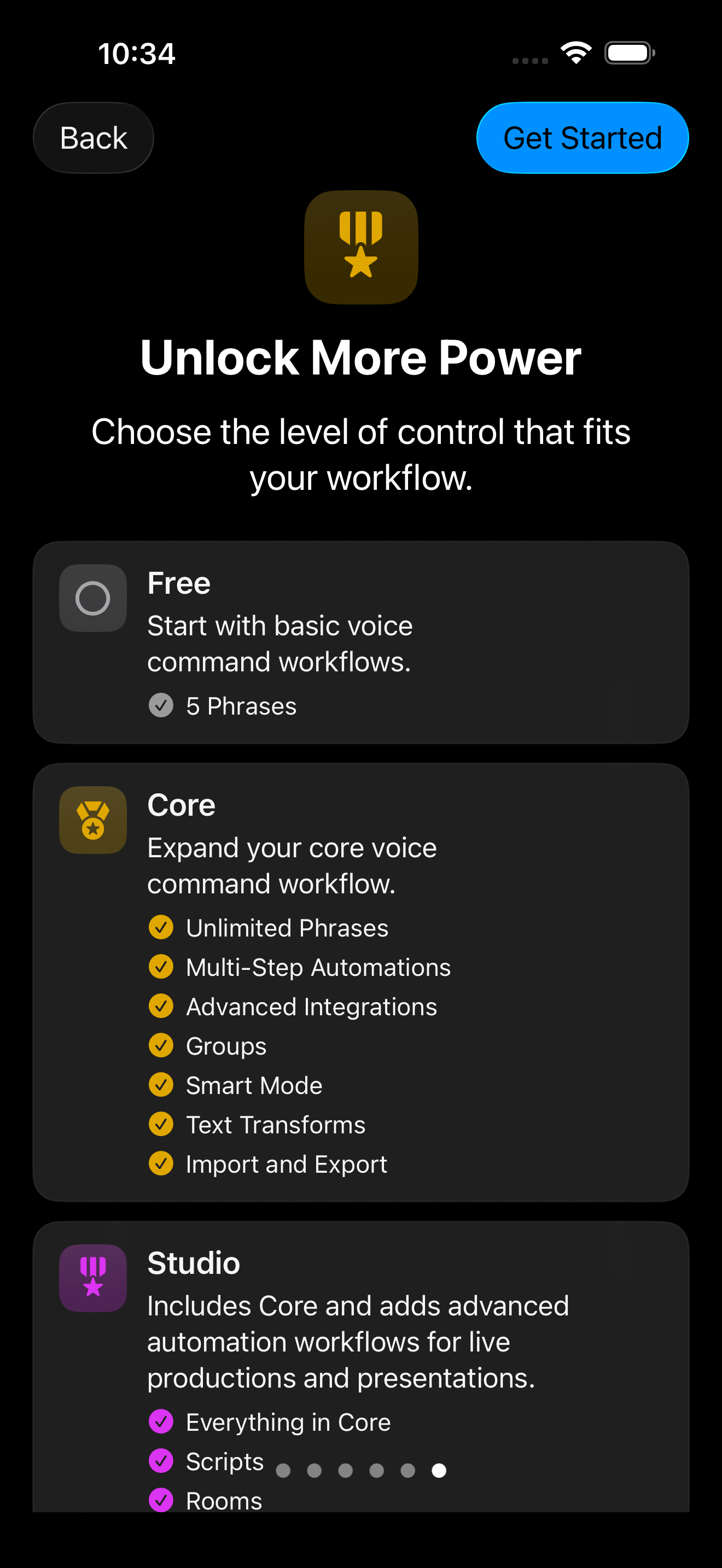
- Unlock More Power: Choose the level of control that fits your workflow.
Getting Started
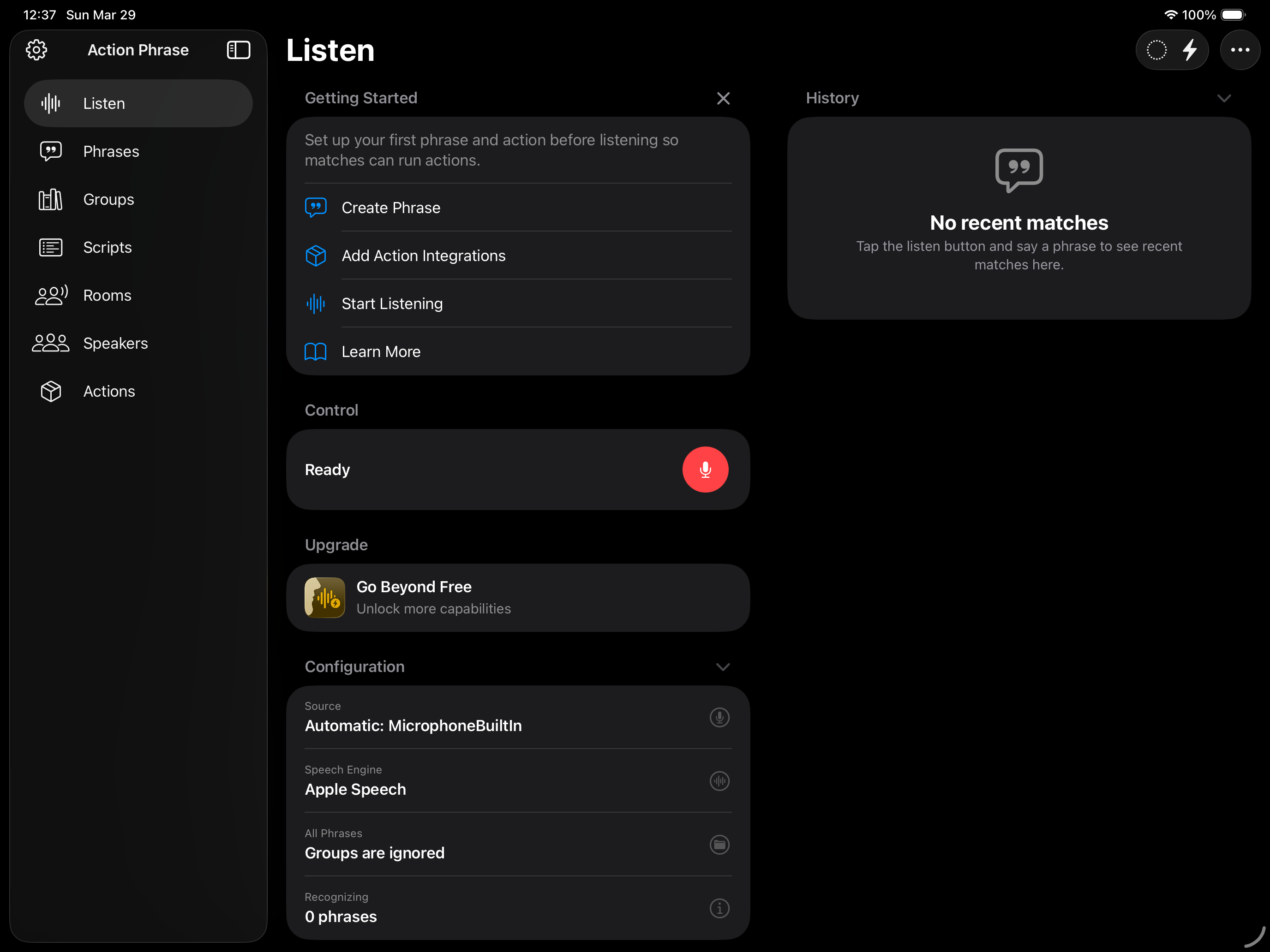
When you're done with the onboarding screens, you will be taken to Listen section. There is a Getting Started section which covers the next steps you should take:
Tap the X button to dismiss the Getting Started section.